Topic-icon I couldn't log in via Azure

Active Subscriptions:

None
3 weeks 1 day ago #69353 by alechu
I tried to sign in via Azure on your website to see how the Azure login works, but I was unable to complete the process of linking my Microsoft account.

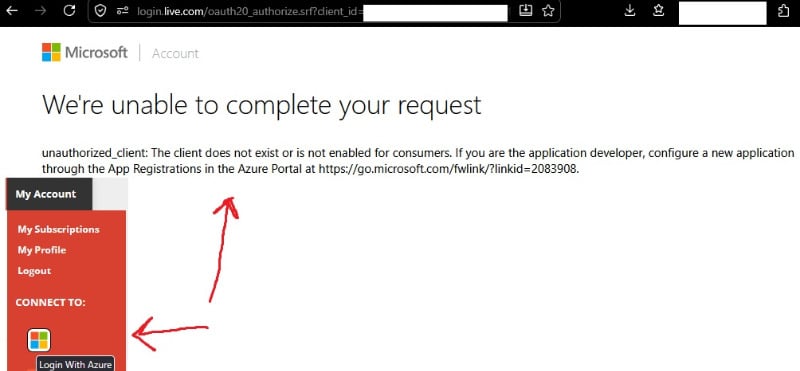
Here is the error message I received when attempting to sign in via Azure:

We're unable to complete your request

unauthorized_client: The client does not exist or is not enabled for consumers. If you are the application developer, configure a new application through the App Registrations in the Azure Portal at go.microsoft.com/fwlink/?linkid=2083908.

p.s. I have a regular Microsoft account—not a corporate, business, or educational account.

Attachments:
Support Specialist
2 weeks 4 days ago #69355 by mel
Replied by mel on topic I couldn't log in via Azure
Sorry about that. The app was disabled accidently. You can try again.

-Melissa
The following user(s) said Thank You: alechu
Active Subscriptions:

None
2 weeks 4 days ago #69356 by alechu
Replied by alechu on topic I couldn't log in via Azure
I noticed that if no one has used a login through one of the social networks for 6 months, the login feature for that social network is disabled.

I think it would be nice if JFB had a notification that one of the login feature for a social network hasn't been used for more than 5 months, so that the website administrator could log in through that social network to keep the feature running.